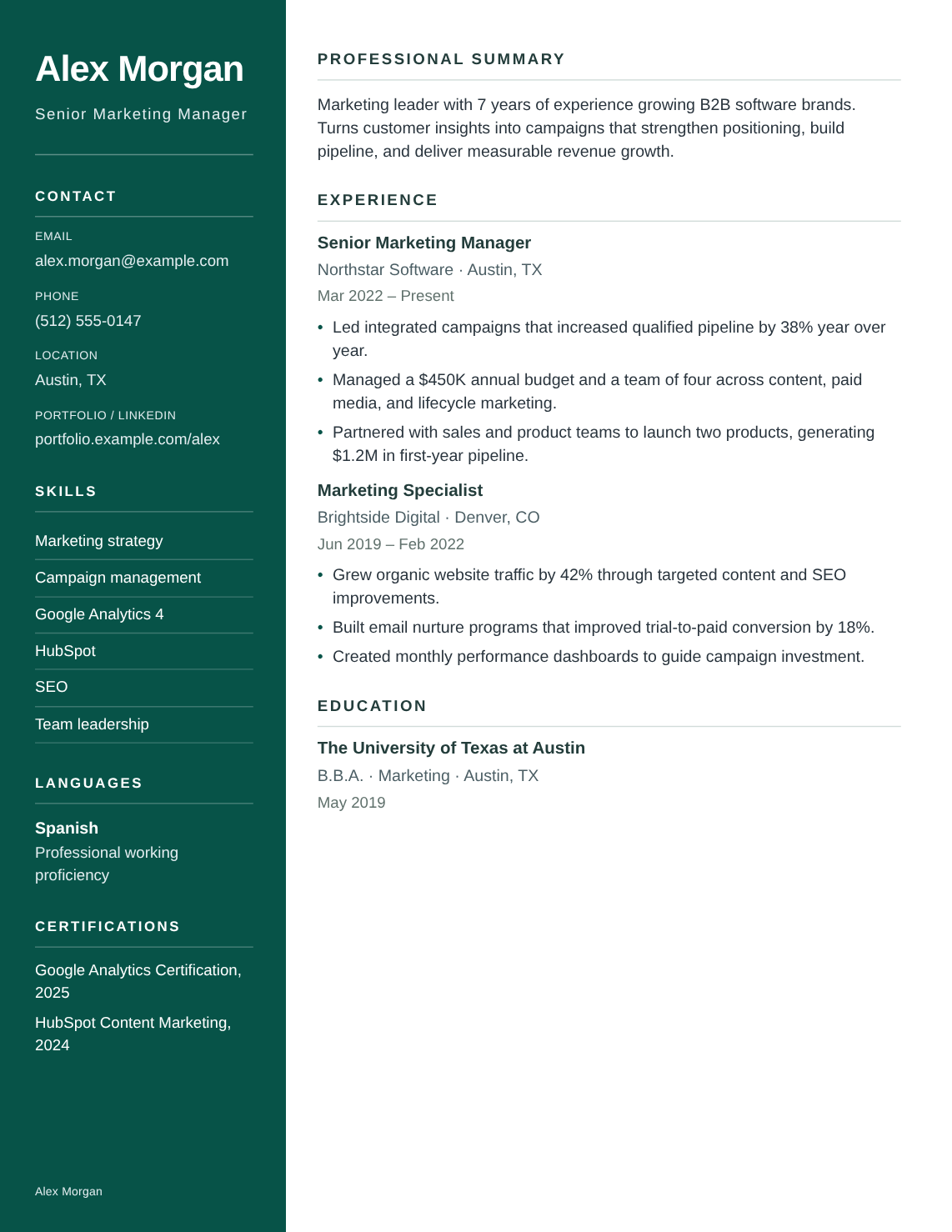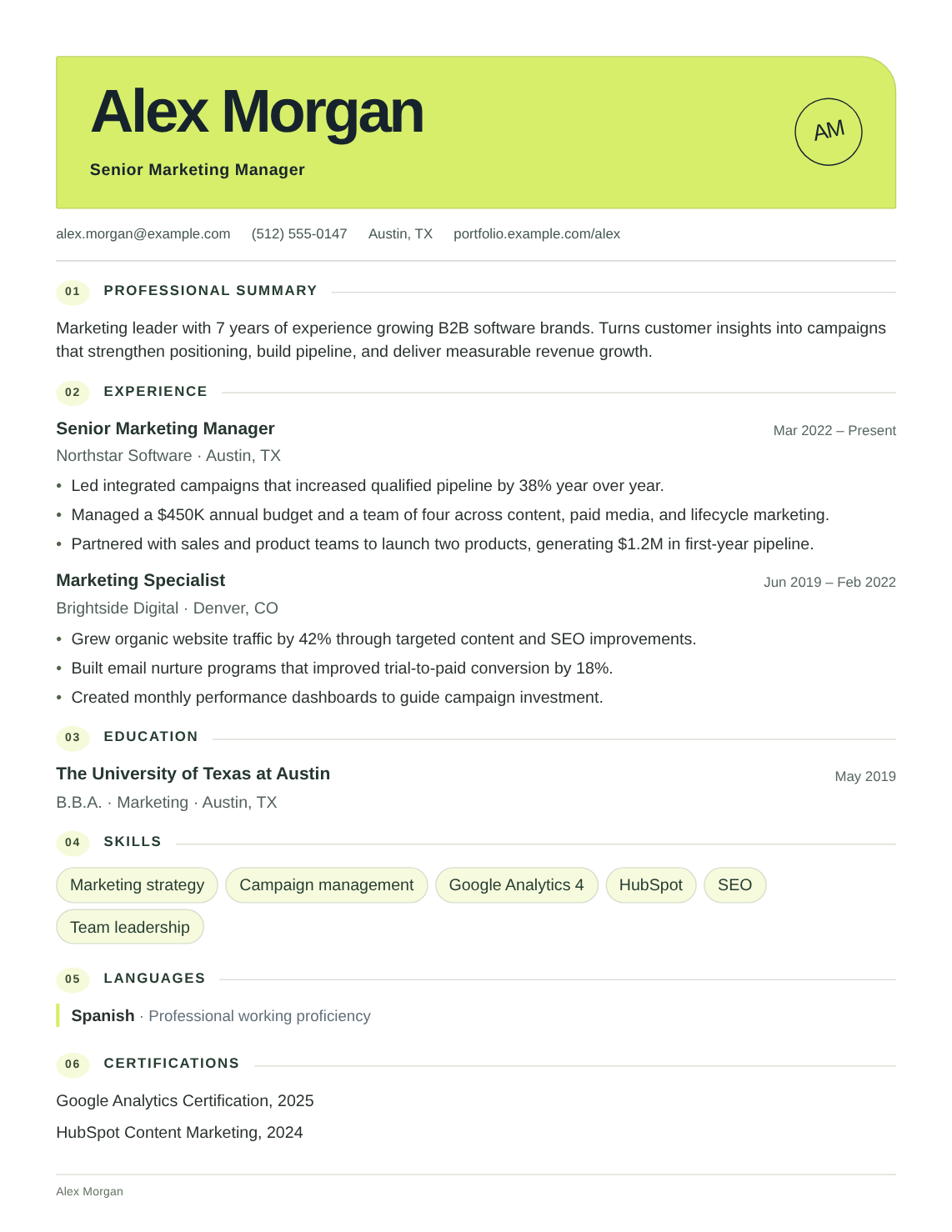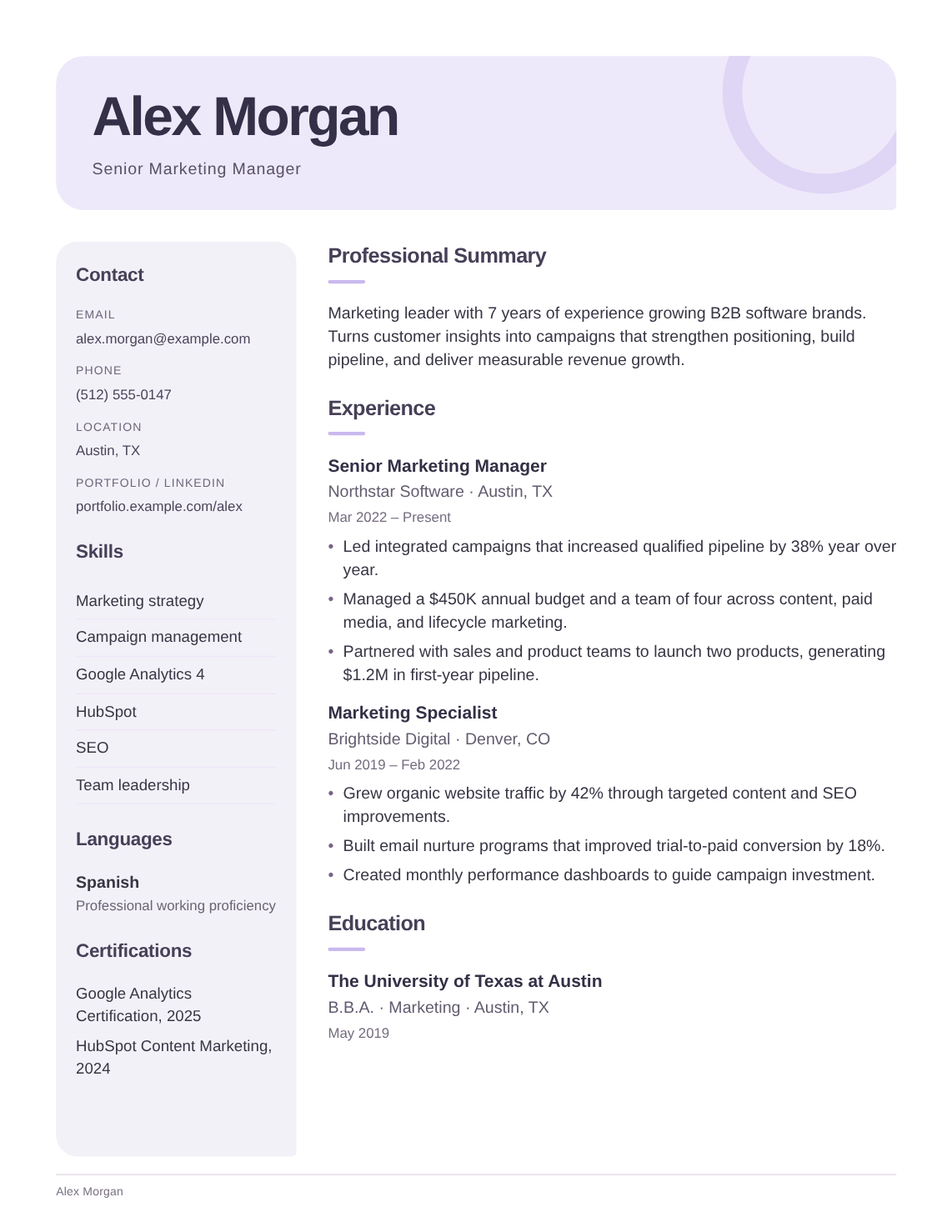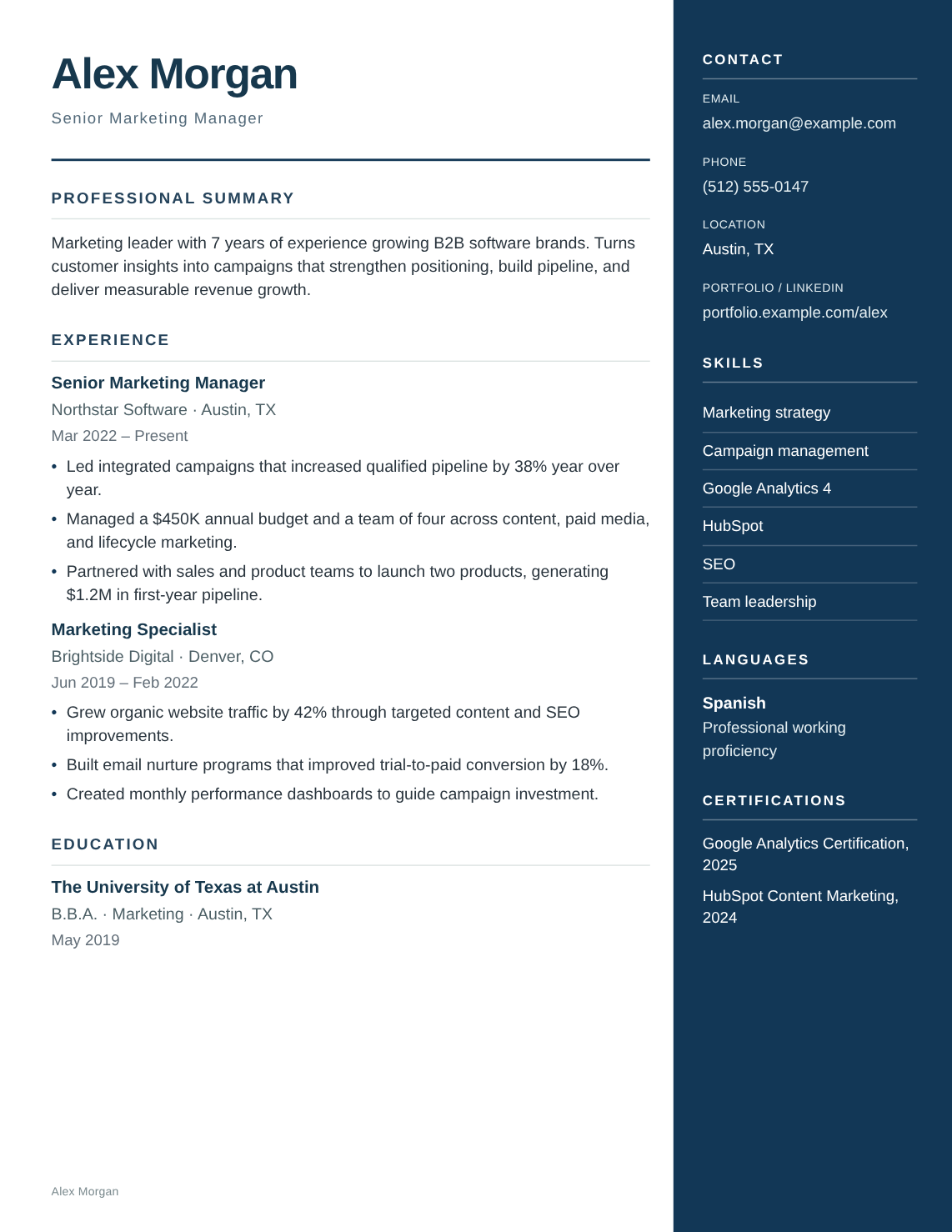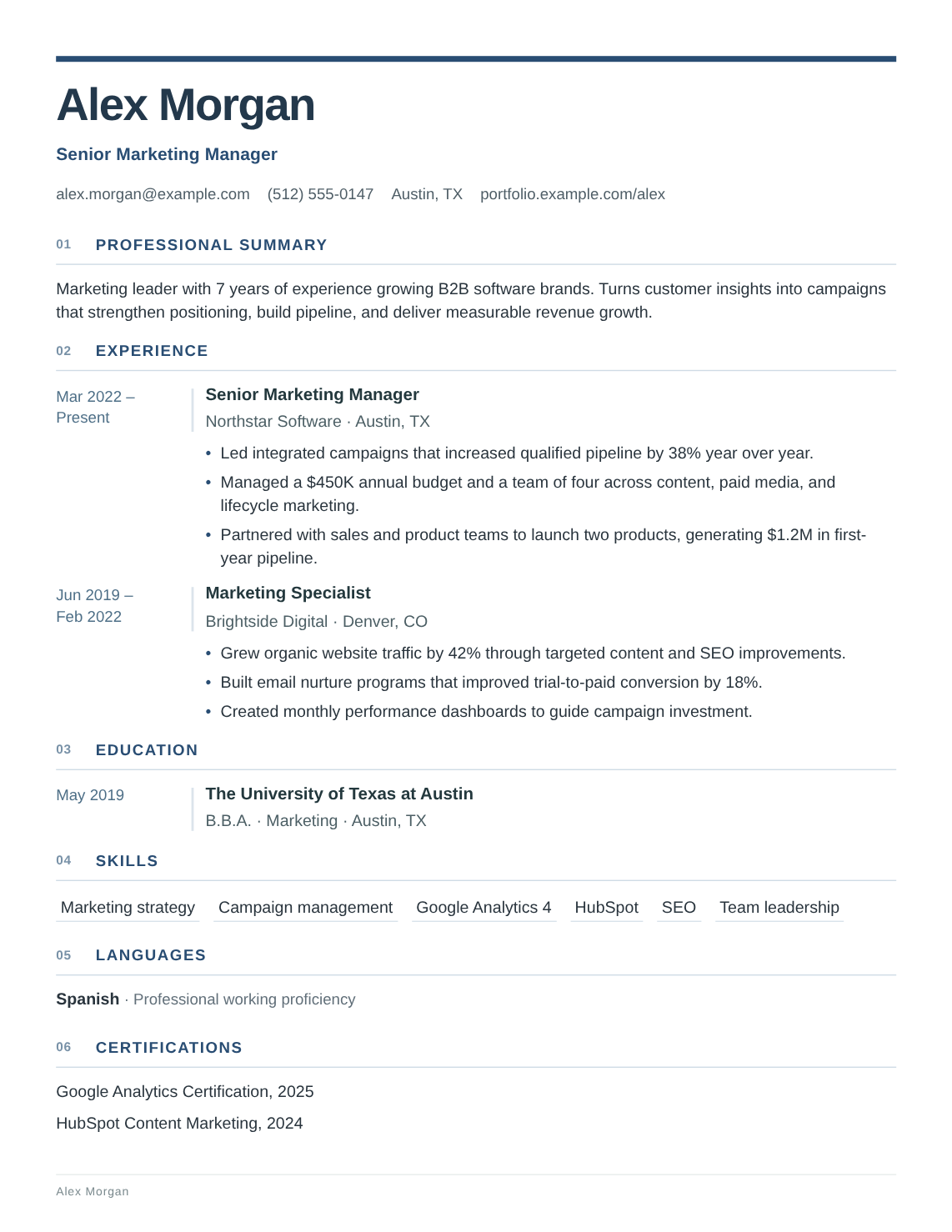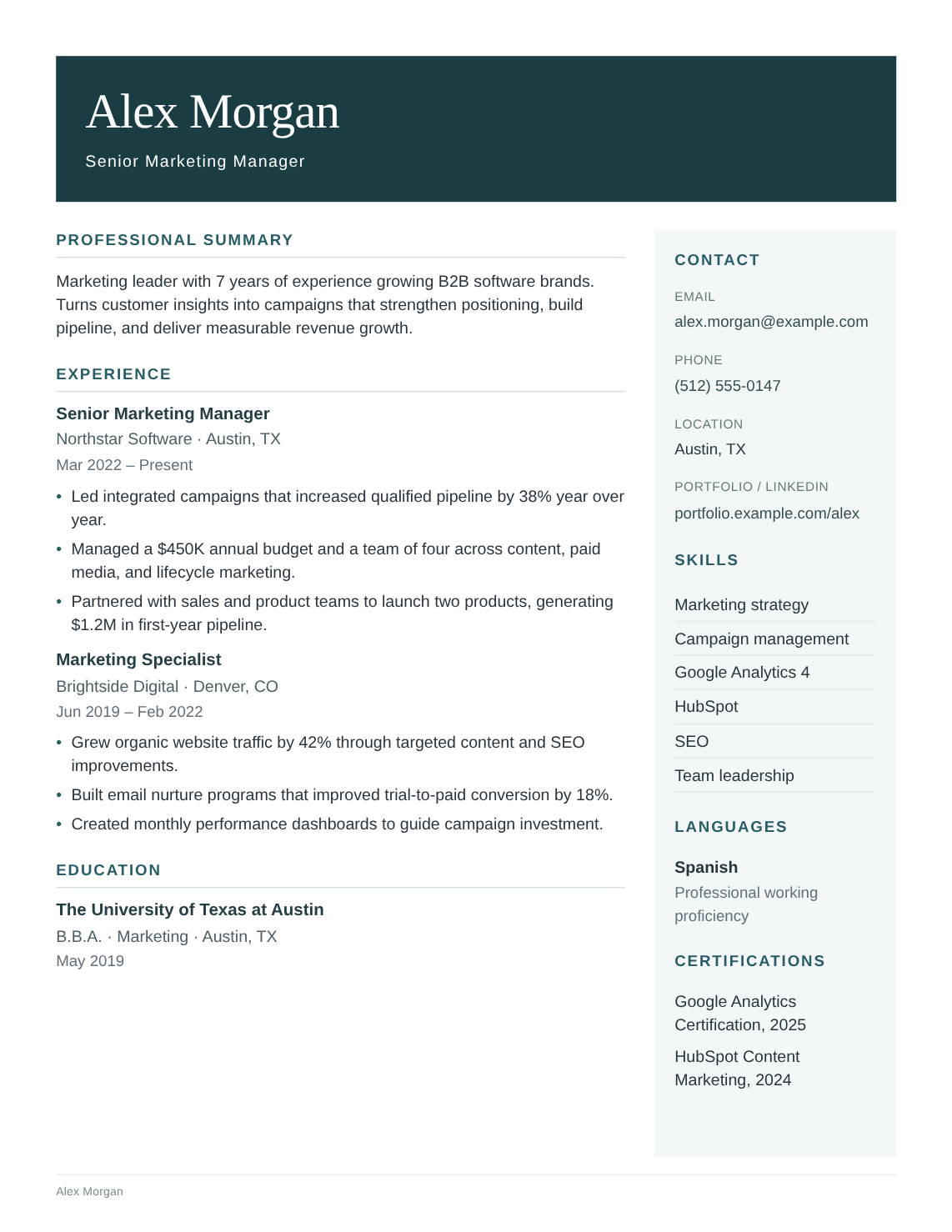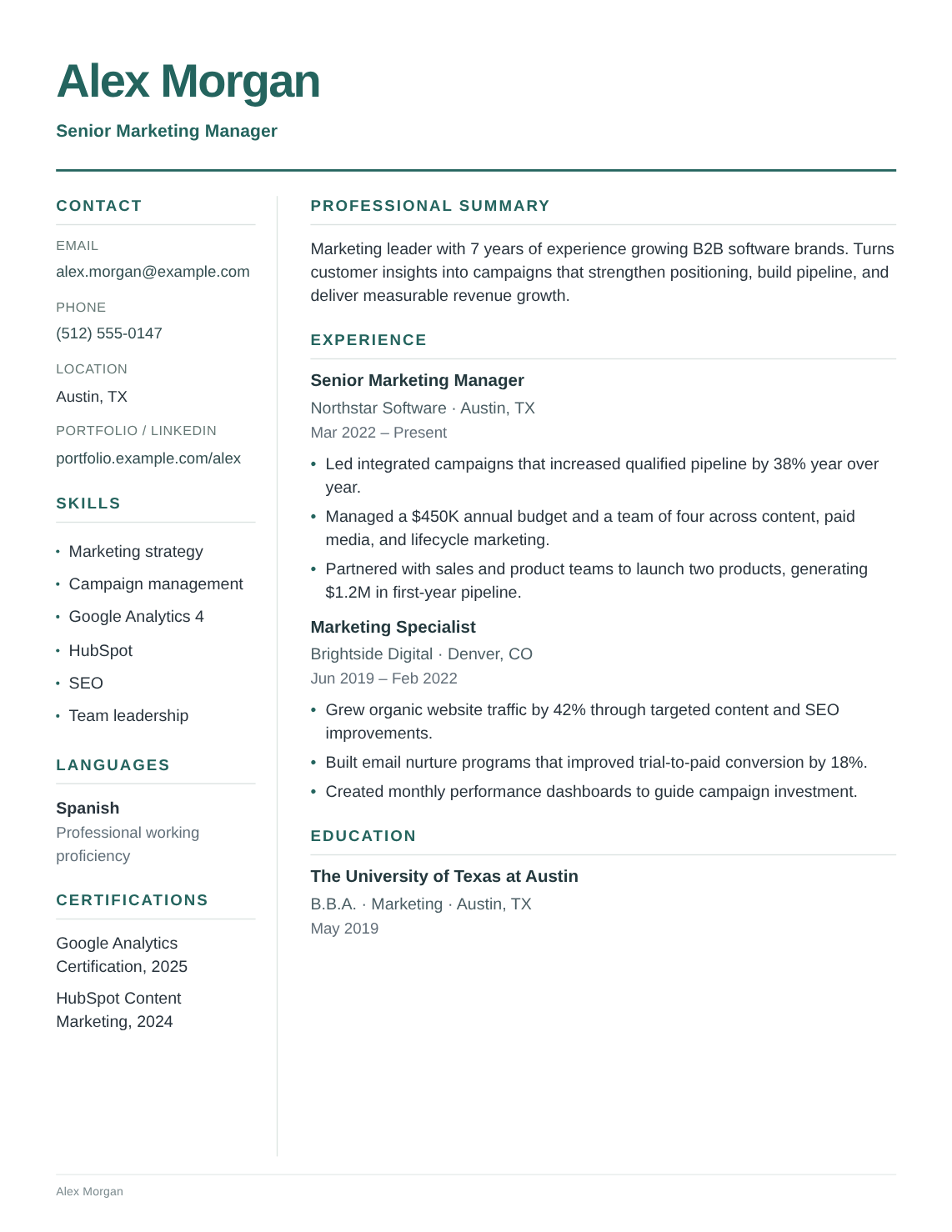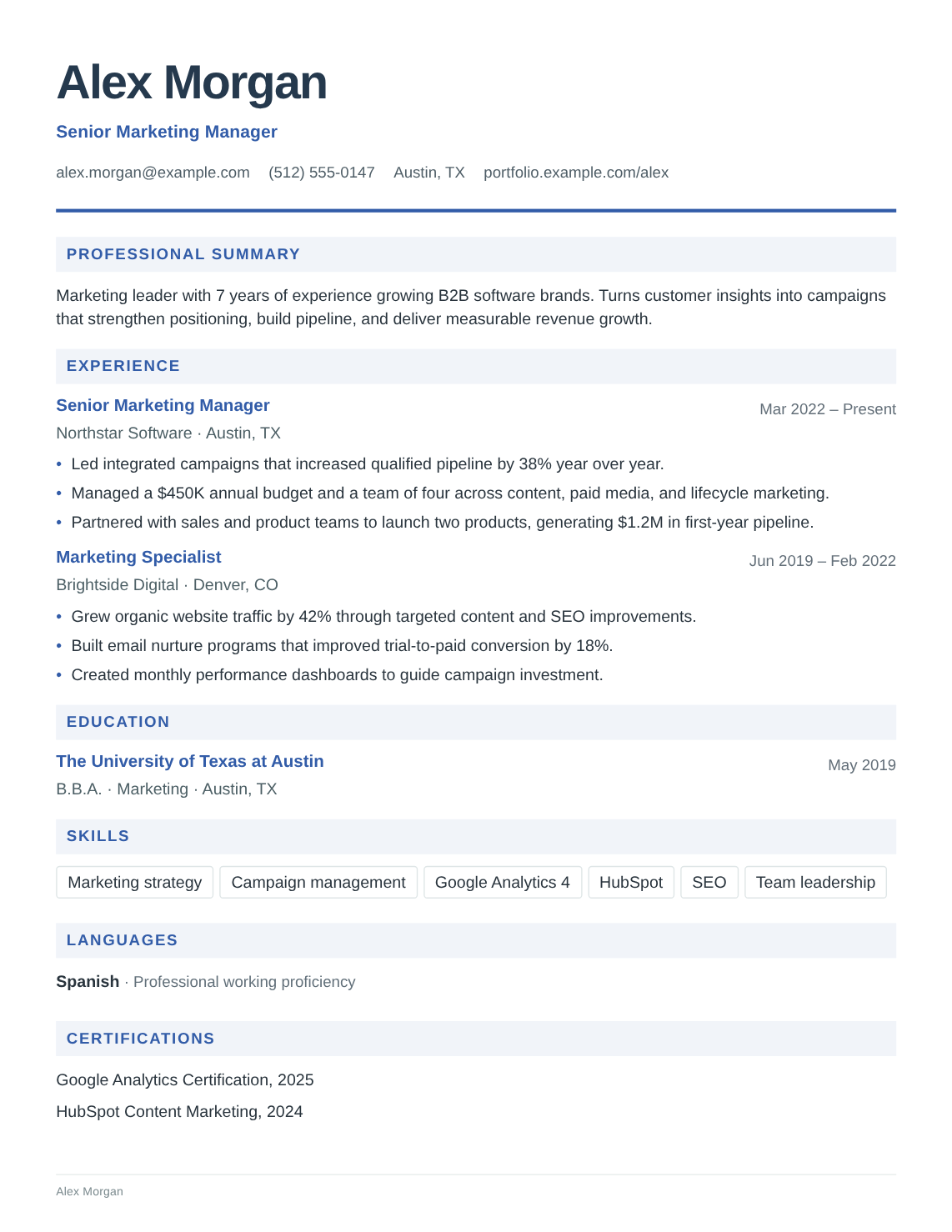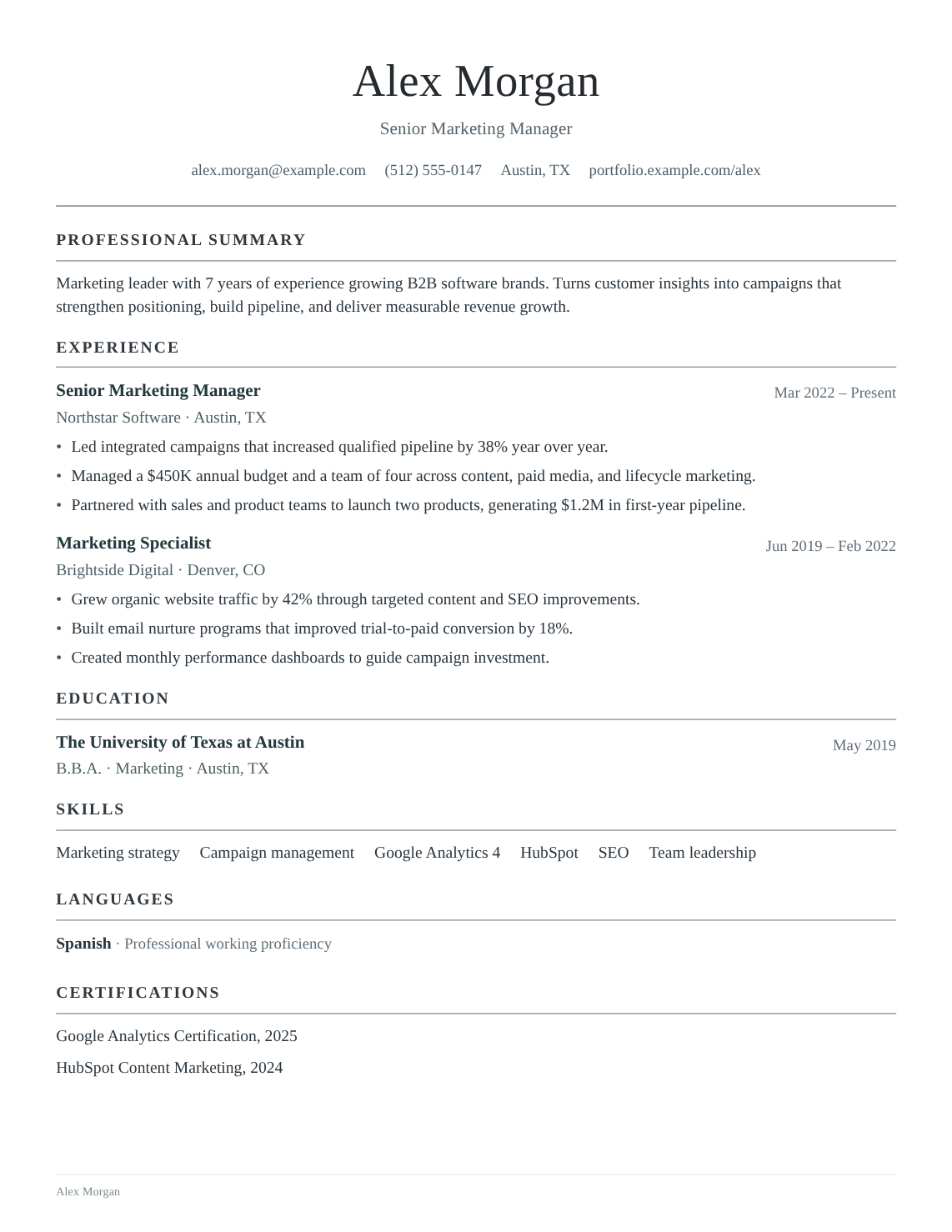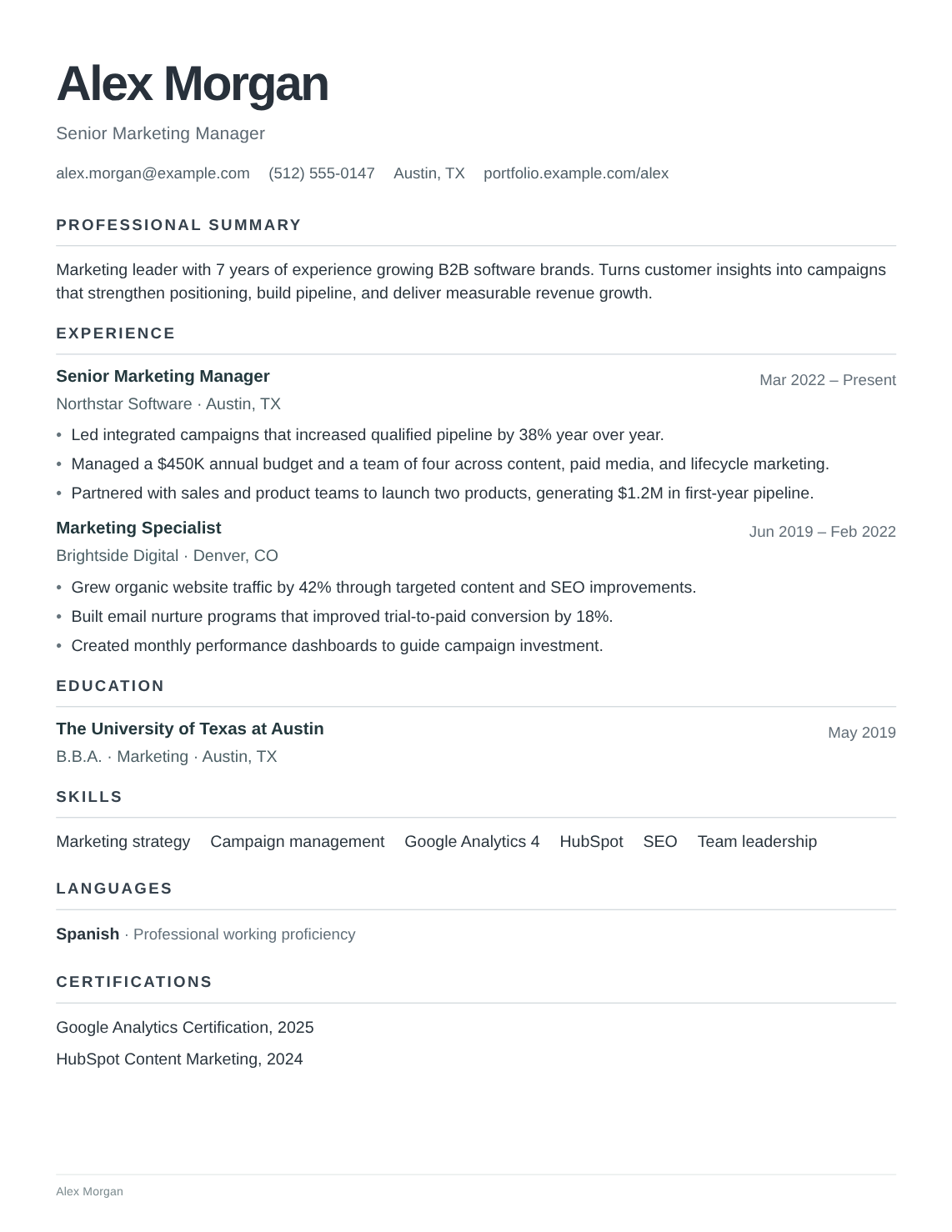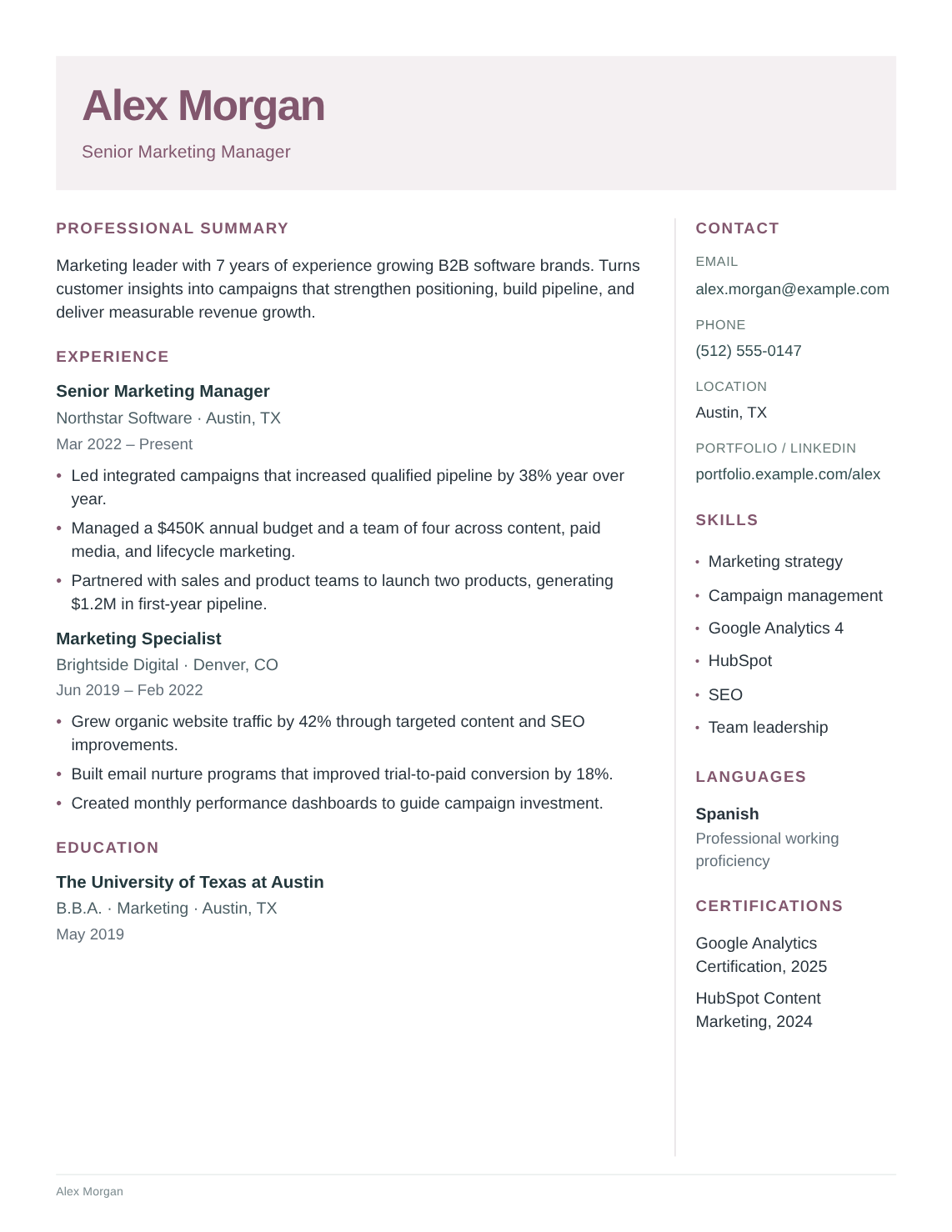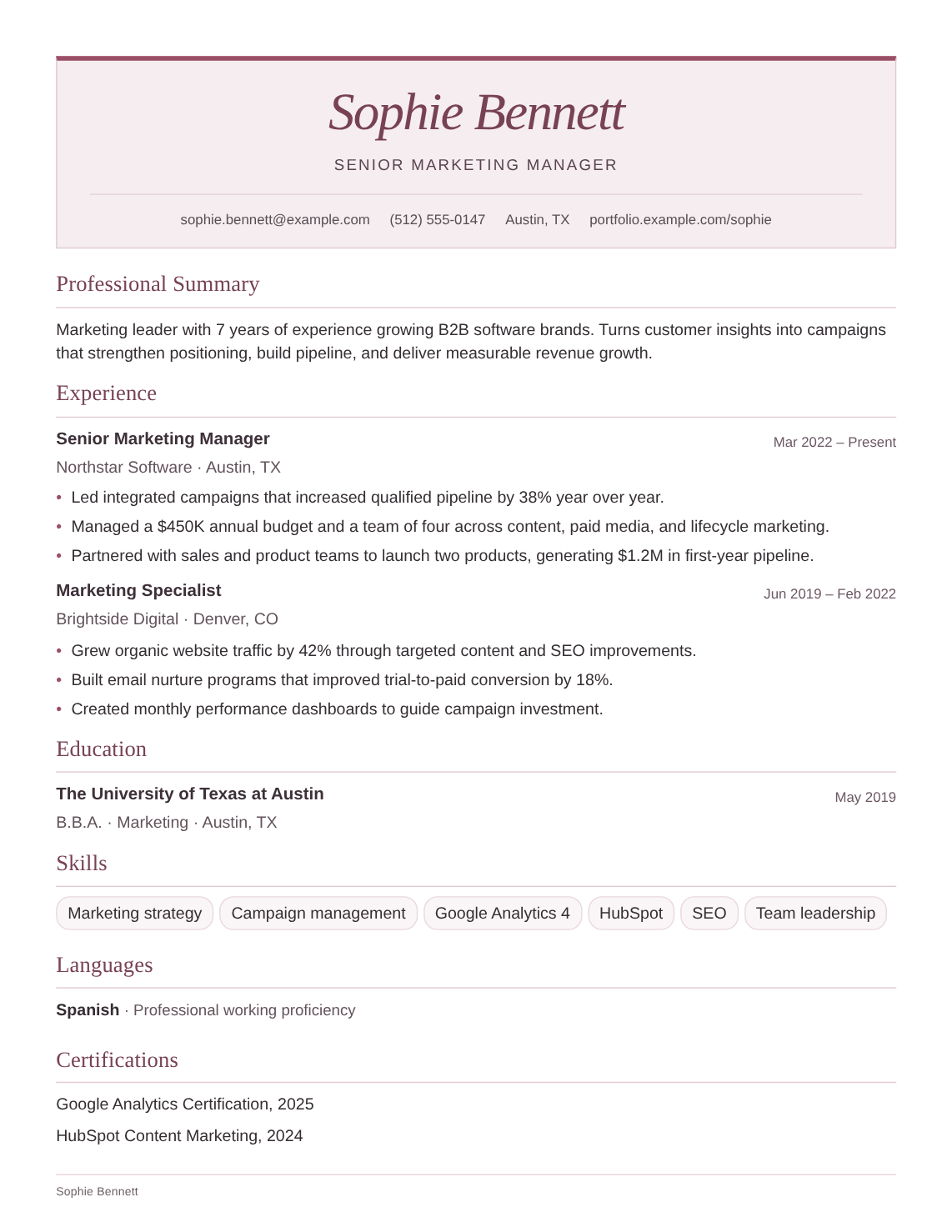
Hudson
Executive
Turn your experience into a resume you’re proud to send. Write at your own pace, find your layout, and make it yours.
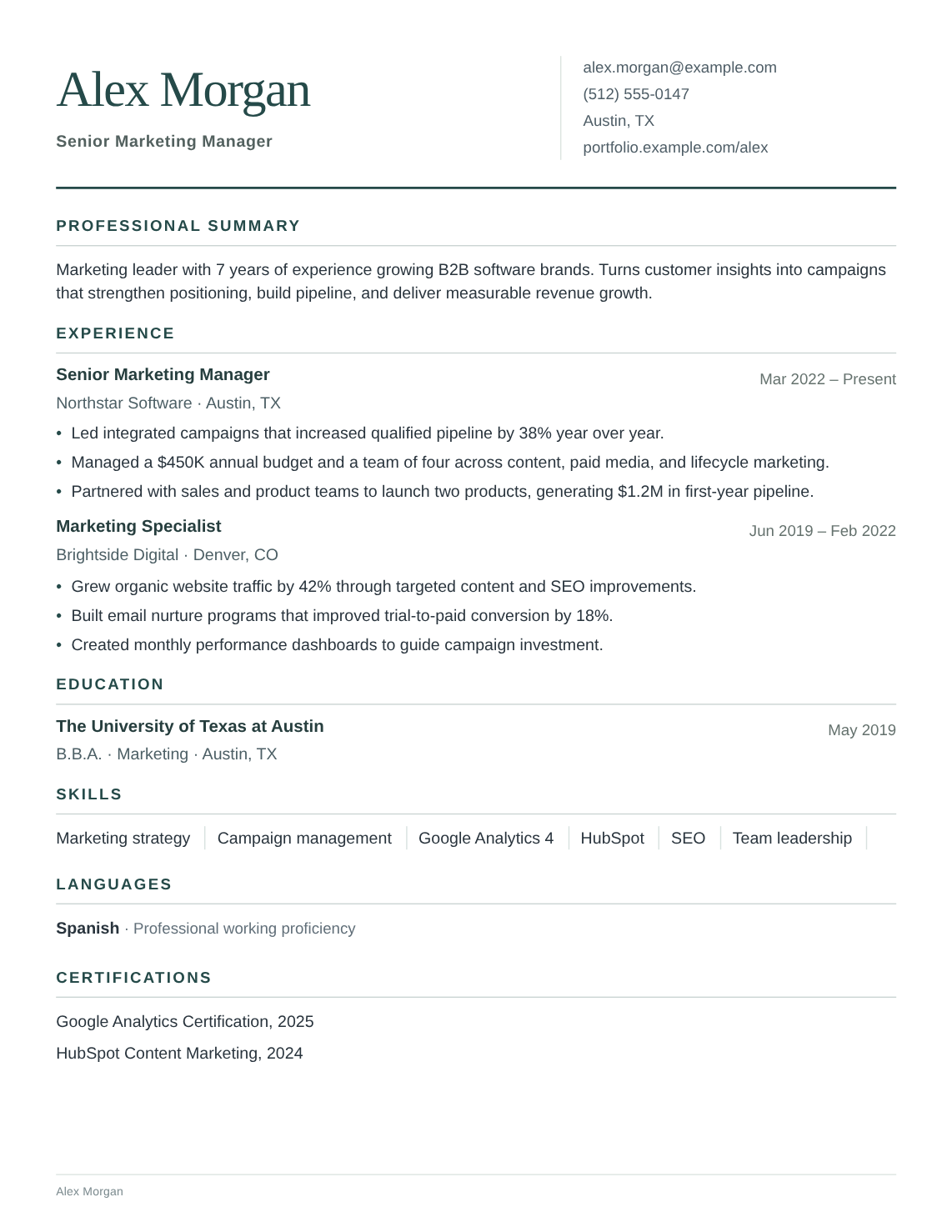 HUDSONSample resume
24 layouts. One that feels like you.
Simple prompts, one step at a time.
Download a PDF or editable Word file.
Saved privately as you go.
Clean and classic. Confident and creative. Explore all 24 layouts and find your starting point.
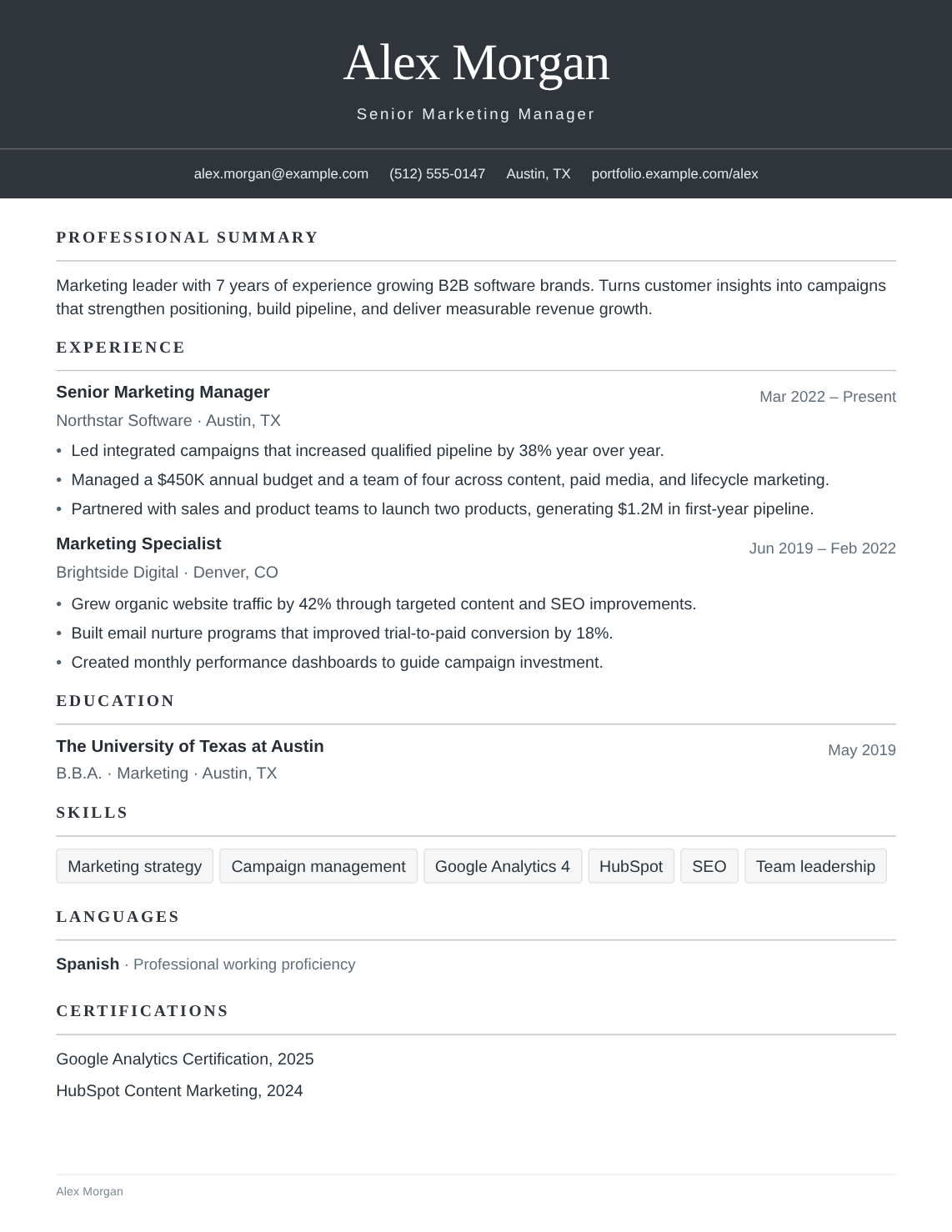
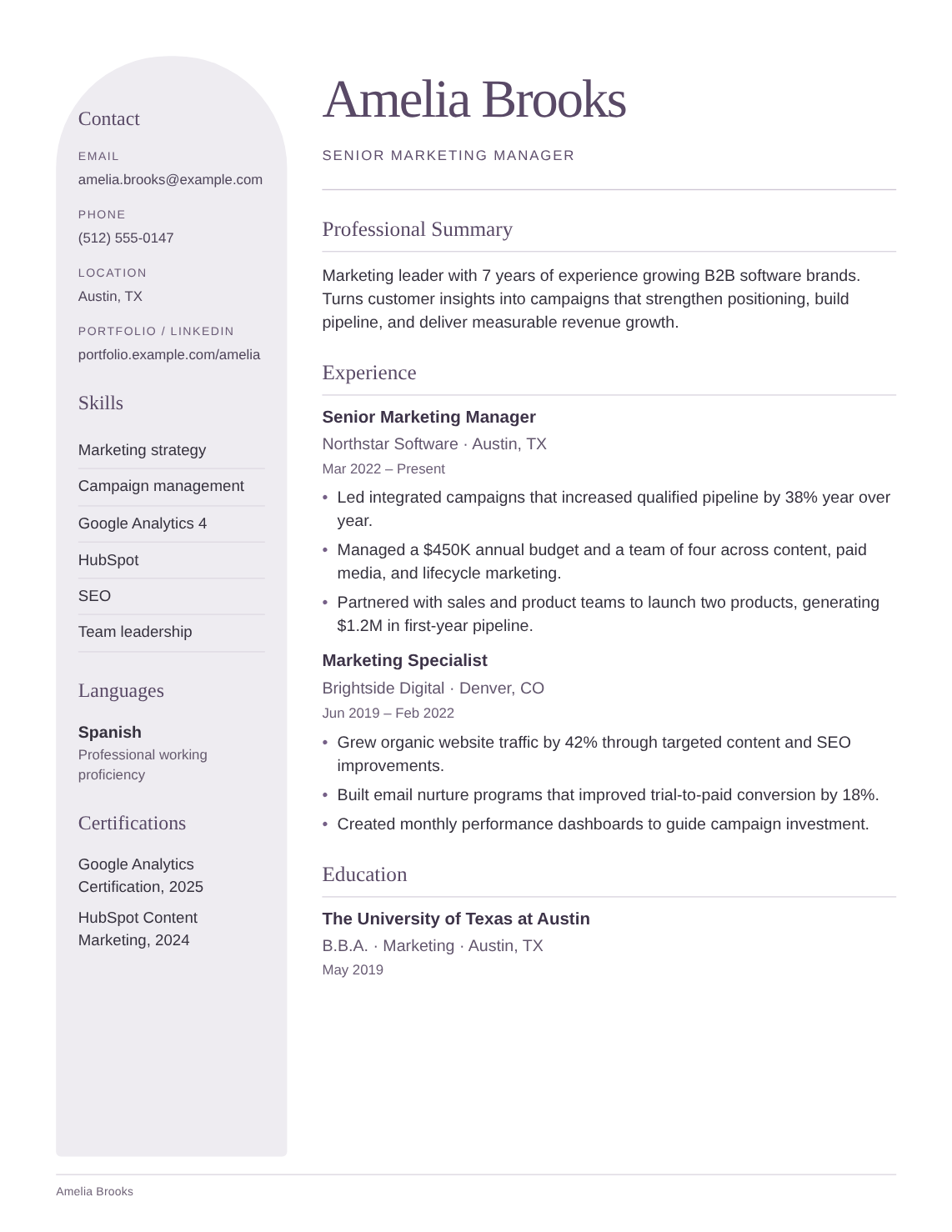
Executive
Signature
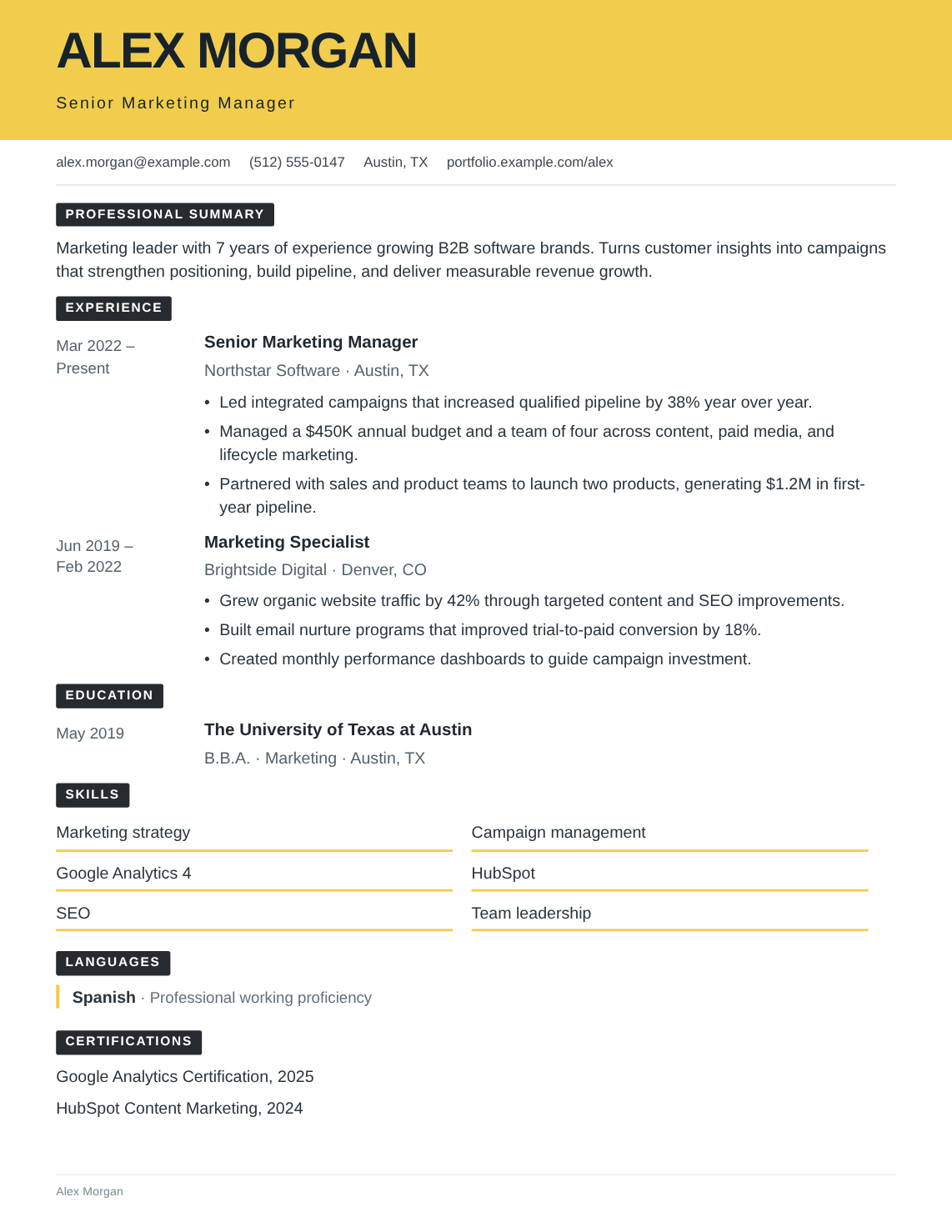
Fresh & bold
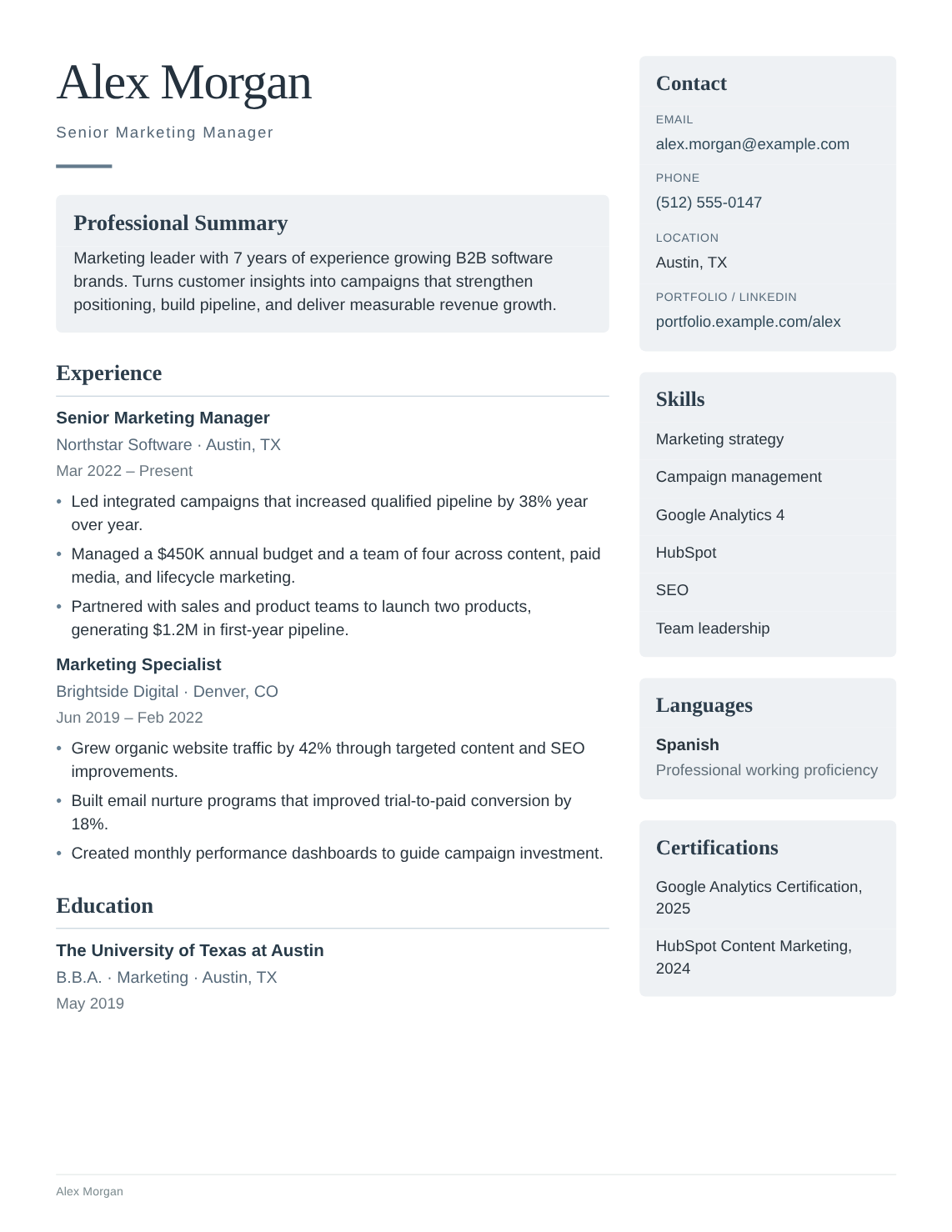
Soft & creative
Corporate
Classic bold
Creative
Modular
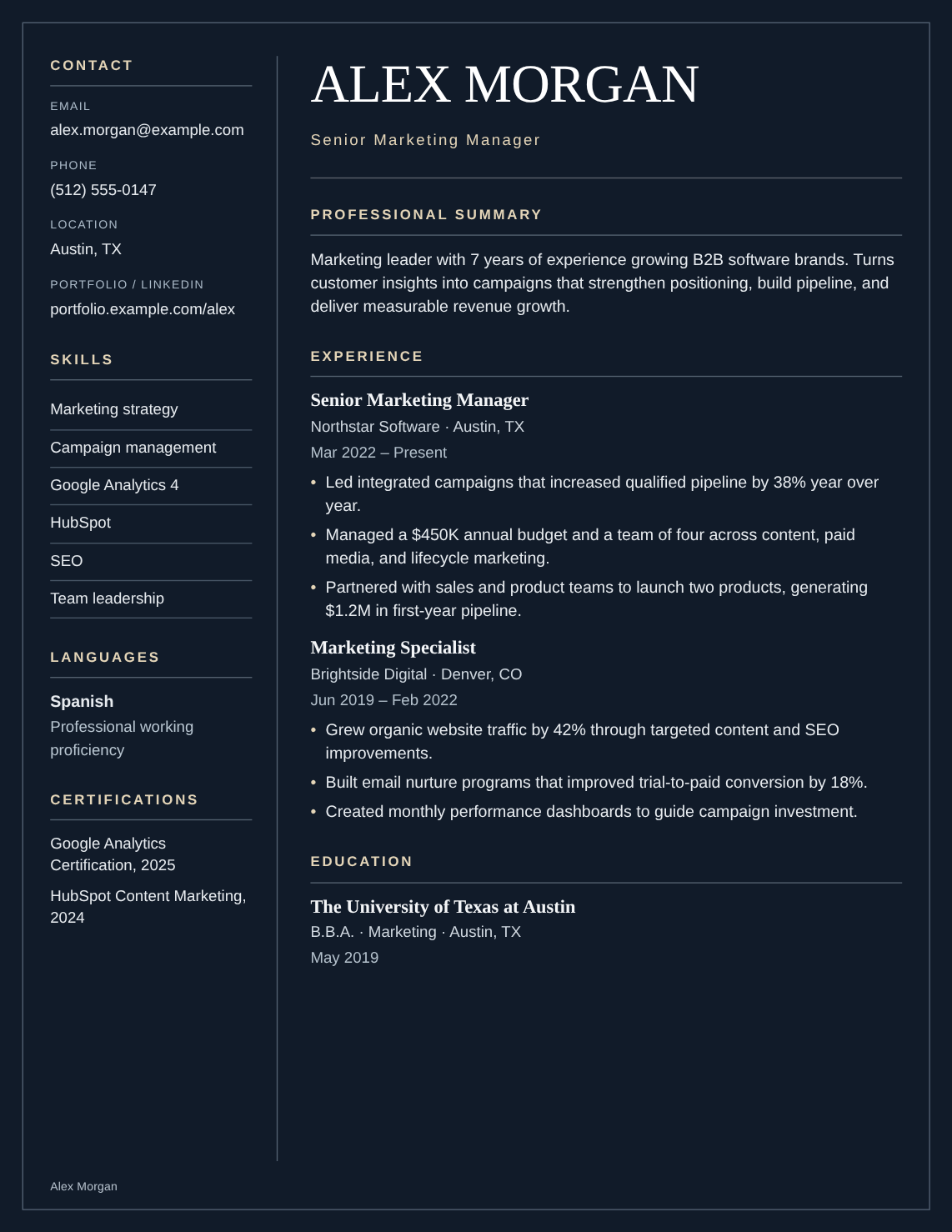
Dark editorial
Structured
Editorial
Modern
Professional
Classic
Minimal
Creative
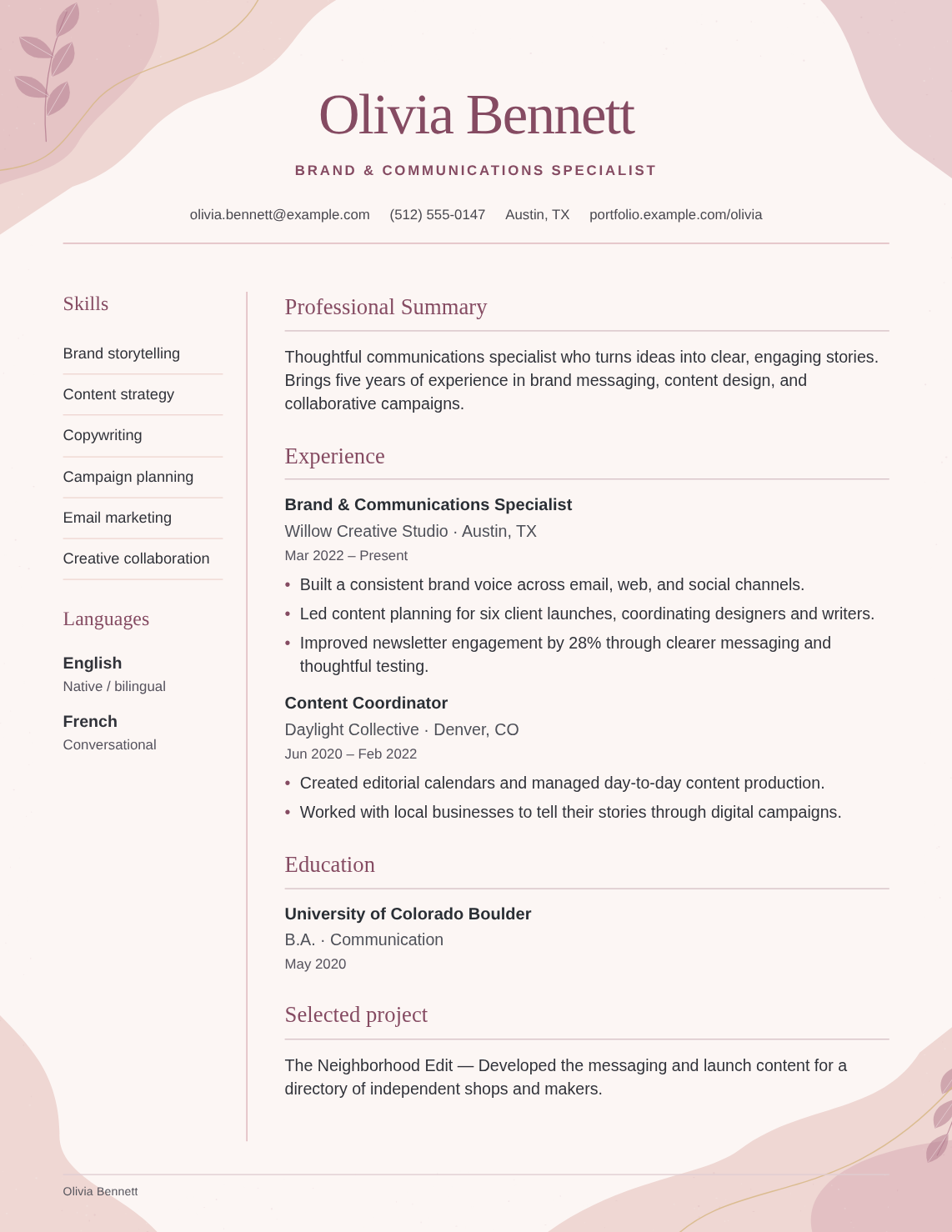
Blush & elegant
Lilac & refined
Botanical & graceful
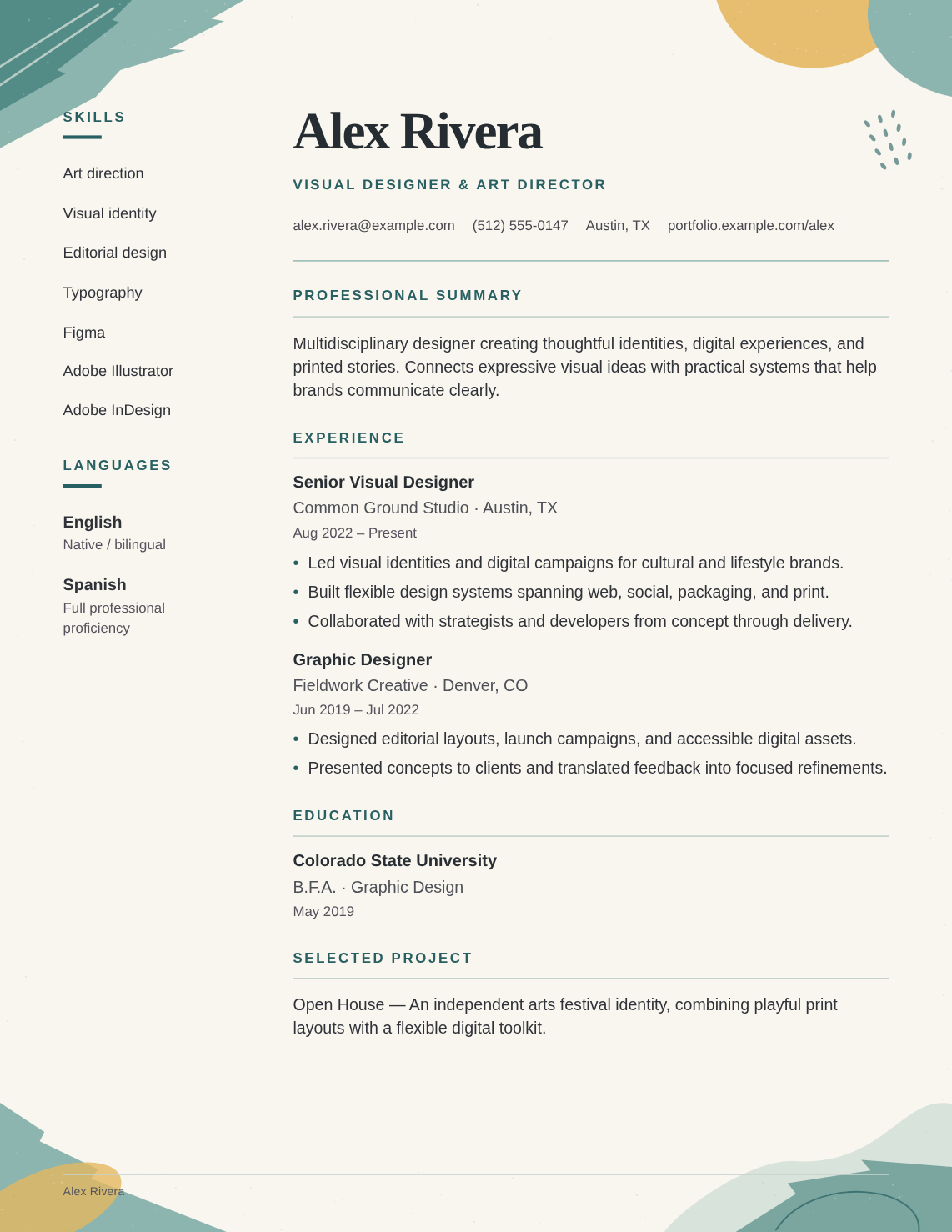
Artistic & expressive
ATS-friendly · Single column
ATS-friendly · Single column
ATS-friendly · Single column
ATS-friendly · Single column
See what to include, then start writing with ideas for your profession. Your words. A little more direction.
Explore all 15 professionsYou bring the experience. We’ll help with the presentation.
Follow simple prompts for your experience, education, and skills. Start with the basics and build from there.
Choose your layout, pick an accent color, and fine-tune the details. Your live preview shows it coming together.
Review your resume and choose PDF or editable Word. Make another version whenever a new opportunity comes along.
A thoughtful workspace that keeps the small things out of your way, so you can focus on what you want to say.
A live preview lets you review the result as you write, not just at the very end.
Switch templates without retyping. Your experience, education, and skills come with you.
Duplicate a saved resume and tailor the copy to a new opportunity. Keep your original intact.
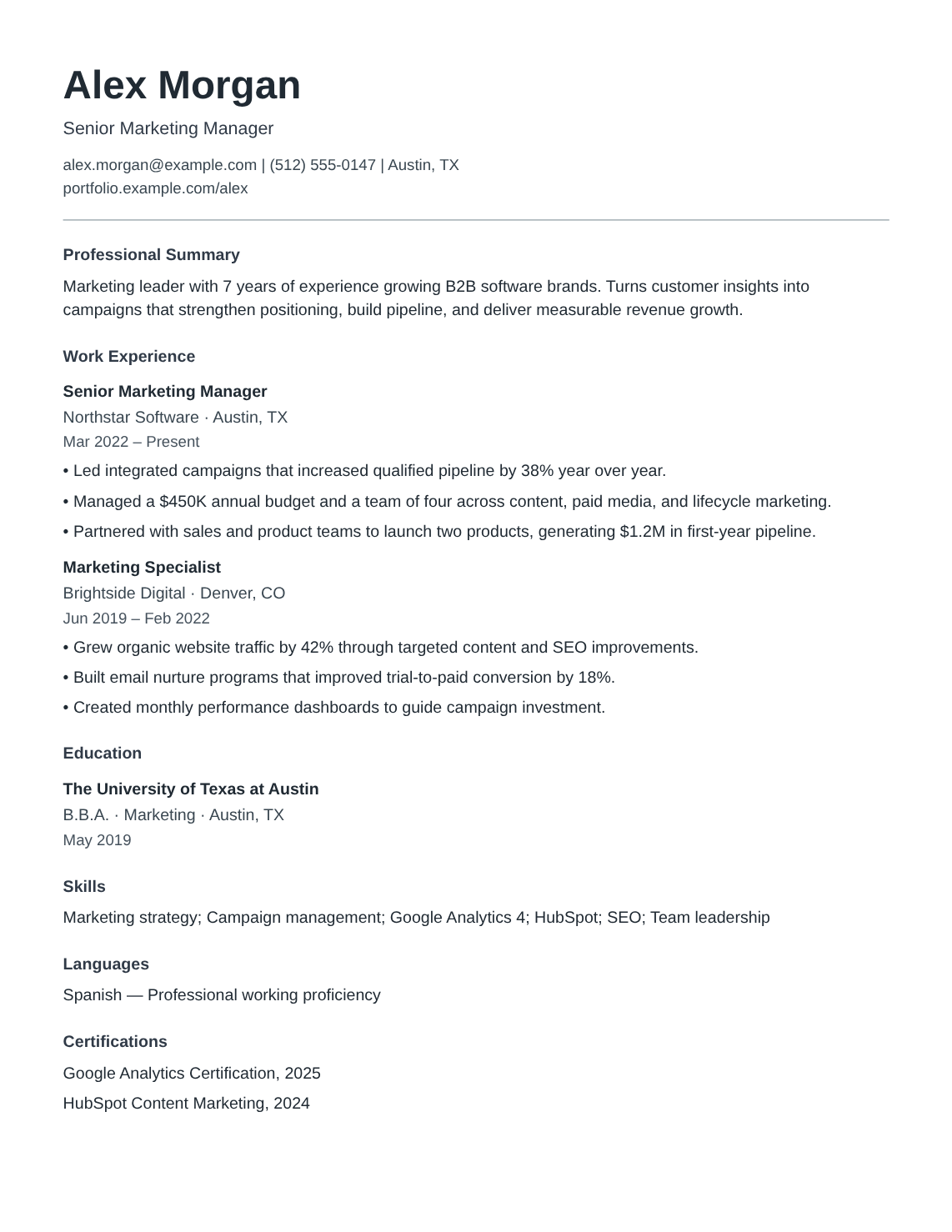
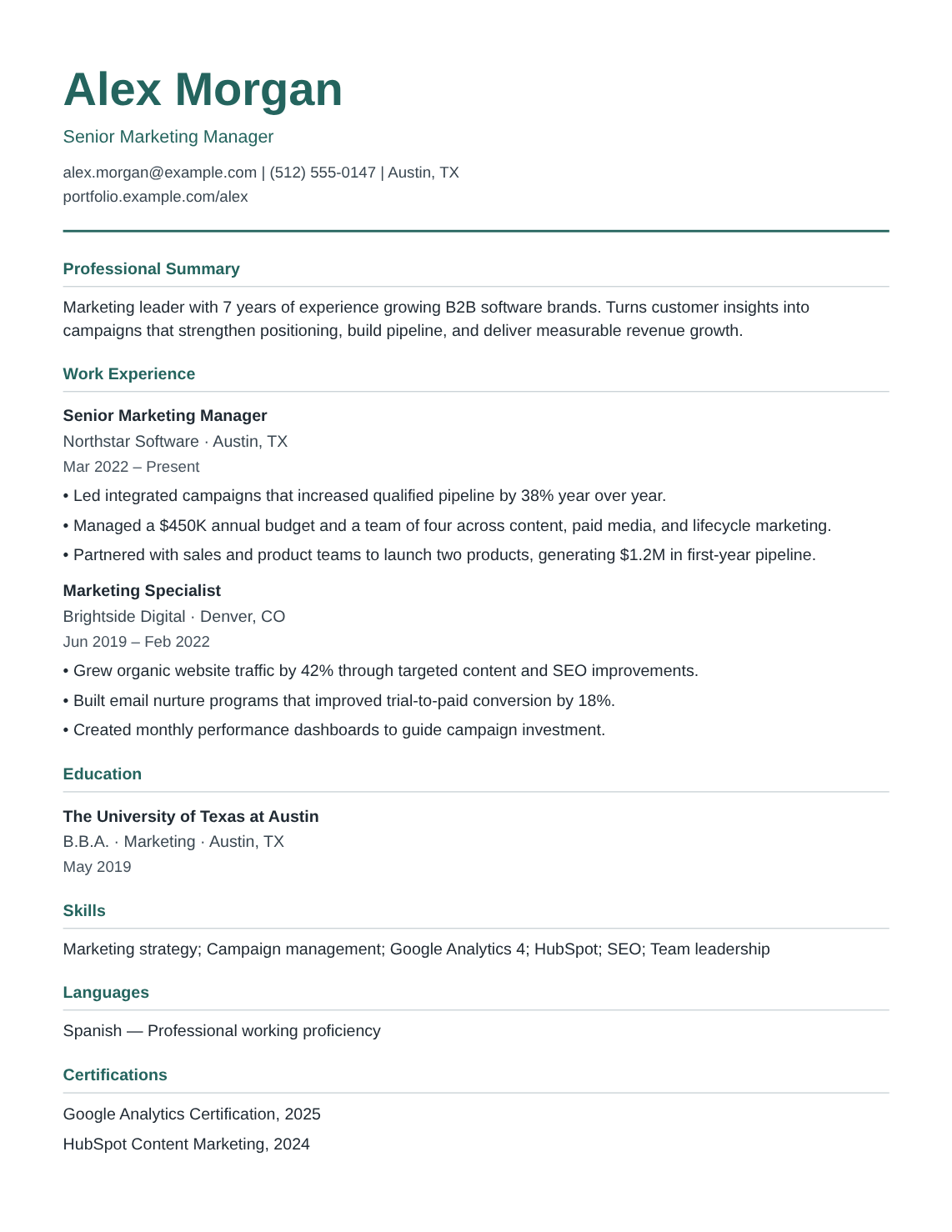
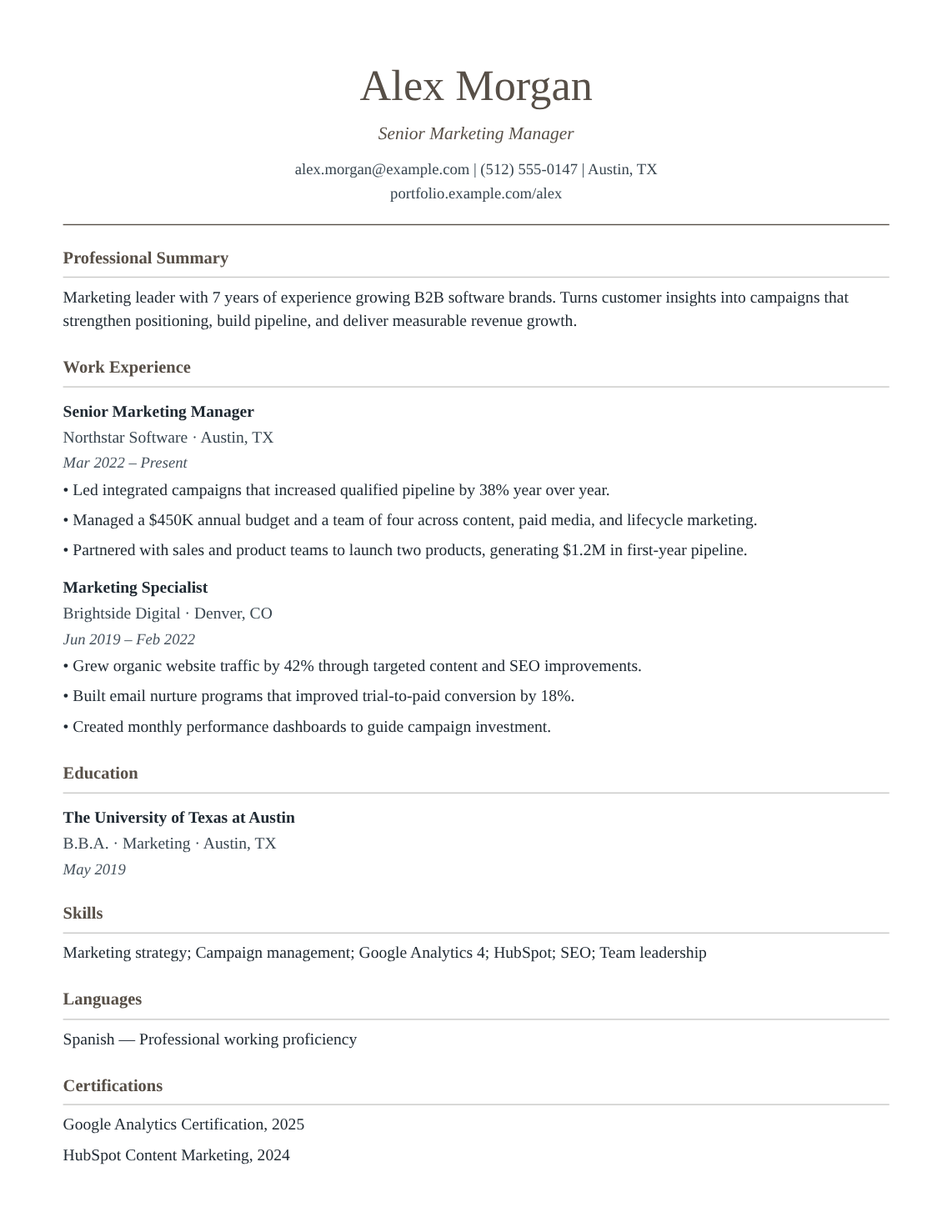
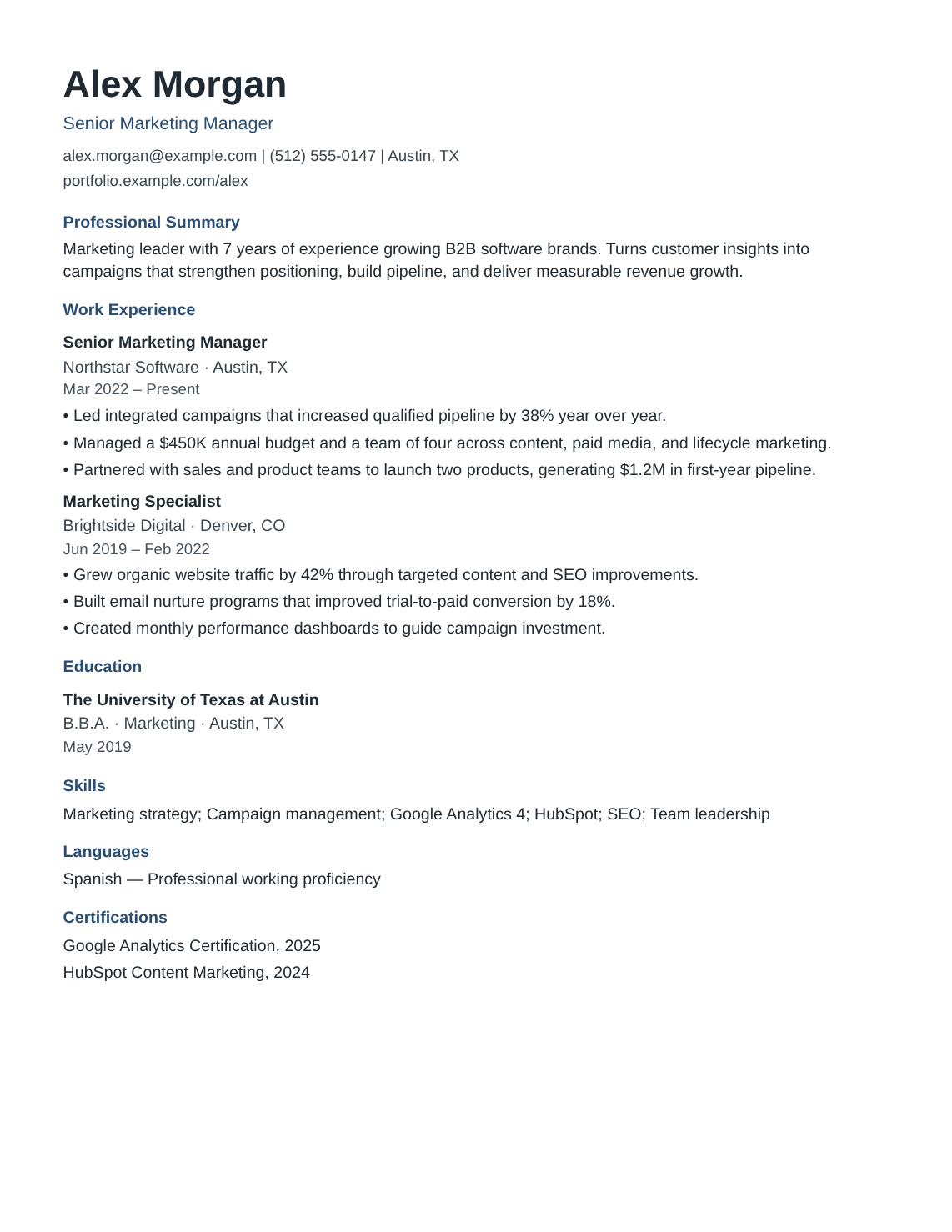
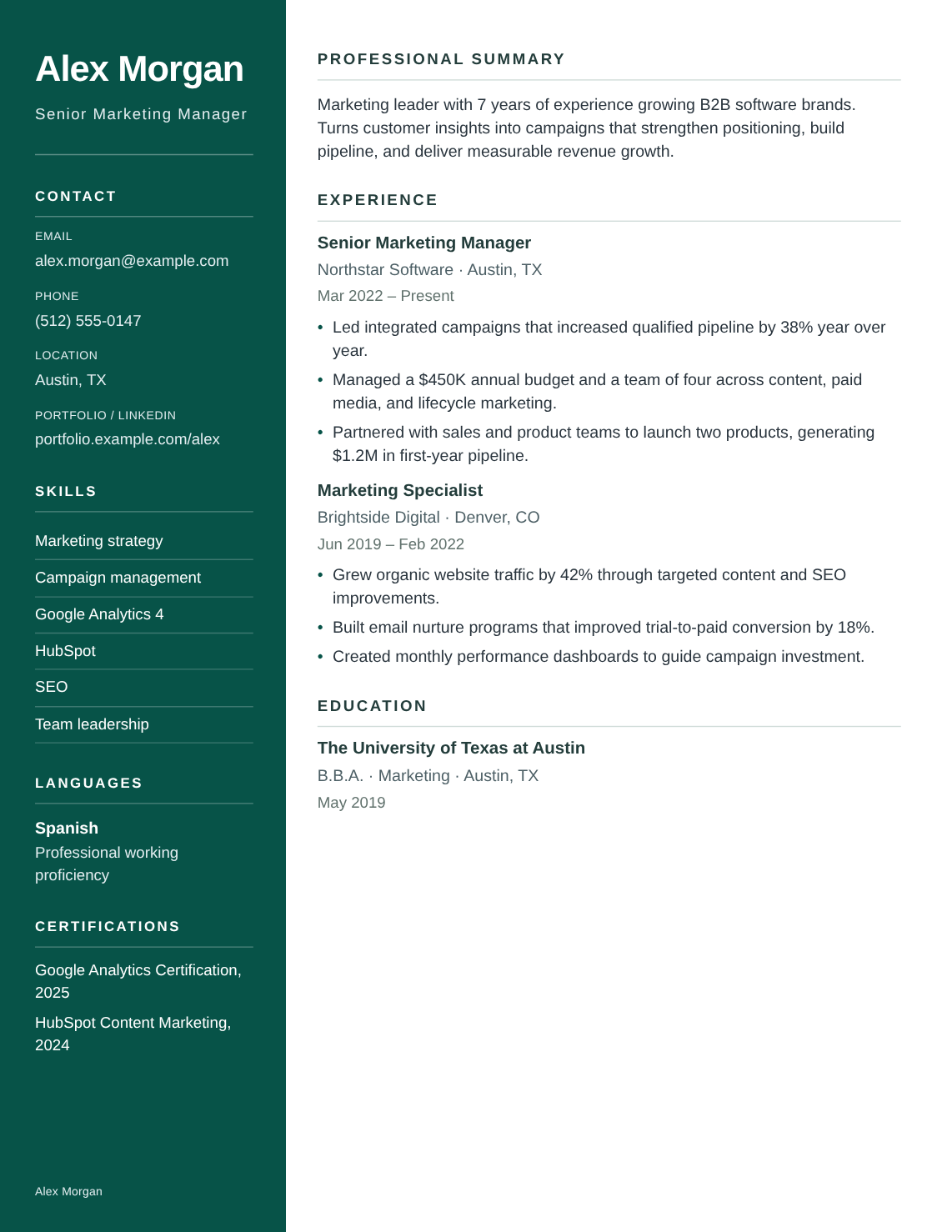
Hudson · Single column
Use this styleFictional example. Same content in every layout.
Share a polished PDF, or keep things flexible with an editable Word document.
Word line breaks and page layout can differ from the PDF.
Get a feel for how it works before you start.
Ready? Let’s build your resumeAbsolutely. Your content and layout are kept separate, so you can switch between all 24 templates without retyping your details. You can also adjust the accent color, font, spacing, and section order in the final step.
Add your contact details, work experience, education, skills, and professional summary. Languages, certifications, projects, awards, volunteer work, and custom sections are optional. Include what helps tell your story and leave the rest out.
Yes. Both PDF and editable Word (DOCX) downloads are available. The PDF uses the same layout as your preview. The Word file contains editable text, but line breaks and pagination can differ in Word or other document editors.
Yes. Your resumes are saved in your private workspace. Open My resumes to continue or make a separate copy. Sign in to access your account on another device. You can also export a JSON backup from the editor.
New resumes start with US Letter pages, English section headings, and no photo. You can choose A4 instead and add a photo only when it makes sense for your application. All of these choices can be changed in the editor.
You can create and edit without signing in. Downloads require paid access: $1.00 USD for 7 days, then $49.95 USD/month (tax incl.), charged automatically until canceled. Manage your subscription in Settings.
Start with what you know. Make something you’re proud to send.